File on-boarding made easy
Optimize your time and take the fastest path to the press.
Try a proof!
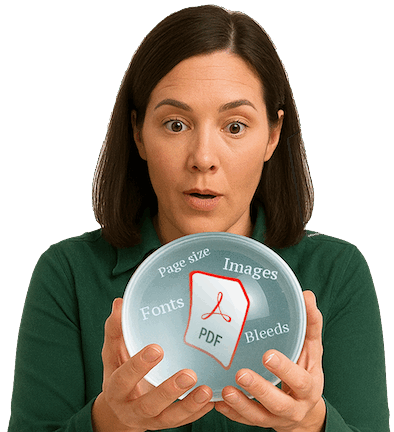
An easy way to experience a part of Good2Go. Upload a PDF and get a proof automatically.
Schedule a short meeting to review your file on-bording needs.
How it works
Watch the short 3 minute video for two common use cases.
Imagine if 20%-30% of your jobs could go straight to print?
Does the file match the spec?
Find out in seconds…

No additional software or training needed.
Good2Go provides it all… including live training and support!
Is the file printable?

Yes!

No!

Maybe so?
Easy to read icons help set expectations fast.
No expensive servers in the backroom or service contracts need!
Pinpoint problems.

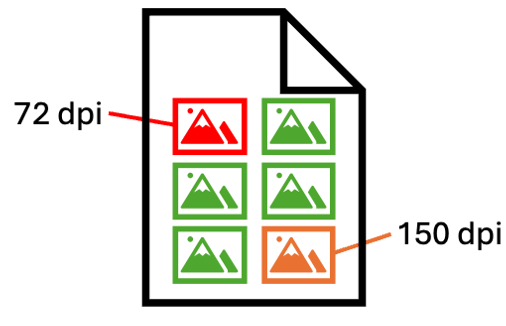
Annotated preflight report is automatically created for each document preflighted.
Save time pinpointing issues and collaborate with the client!
Easy fixes.
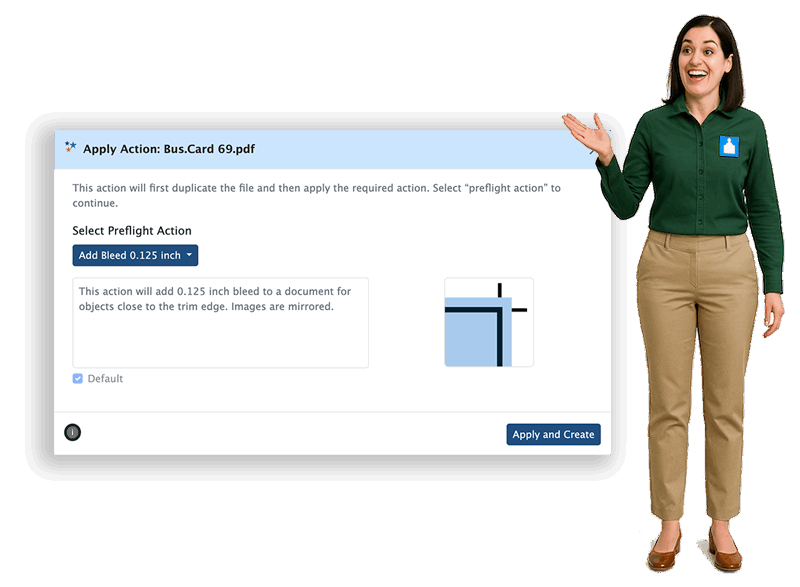
Upload a PDF that needs bleeds, we’ll add it with Good2Go and send you back your file to review. Also, we’ll record how we did it so you can see how easy it is!
“Look Ma! No prepress!” Easy PDF Fixes for everyone.
How it works
Watch the short 3 minute video for two common use cases.
Try it.
An easy way to experience a part of Good2Go. Upload a PDF and get back a proof.
Schedule a short meeting to review your file on-bording needs.